
Game updates
Better Chat, All Your Puzzles, and Eight Languages
A catch-up on the changes I've been making faster than I can write about them.
There's quite a bit to catch up on since the preview and color-picker update. Some of these changes came from your bug reports and messages. Others are things I've wanted to improve for a long time and can finally get to now that the new game is working.
Thank you for continuing to tell me what feels good, what feels weird, and what you miss from the older game. That last one has been especially useful.
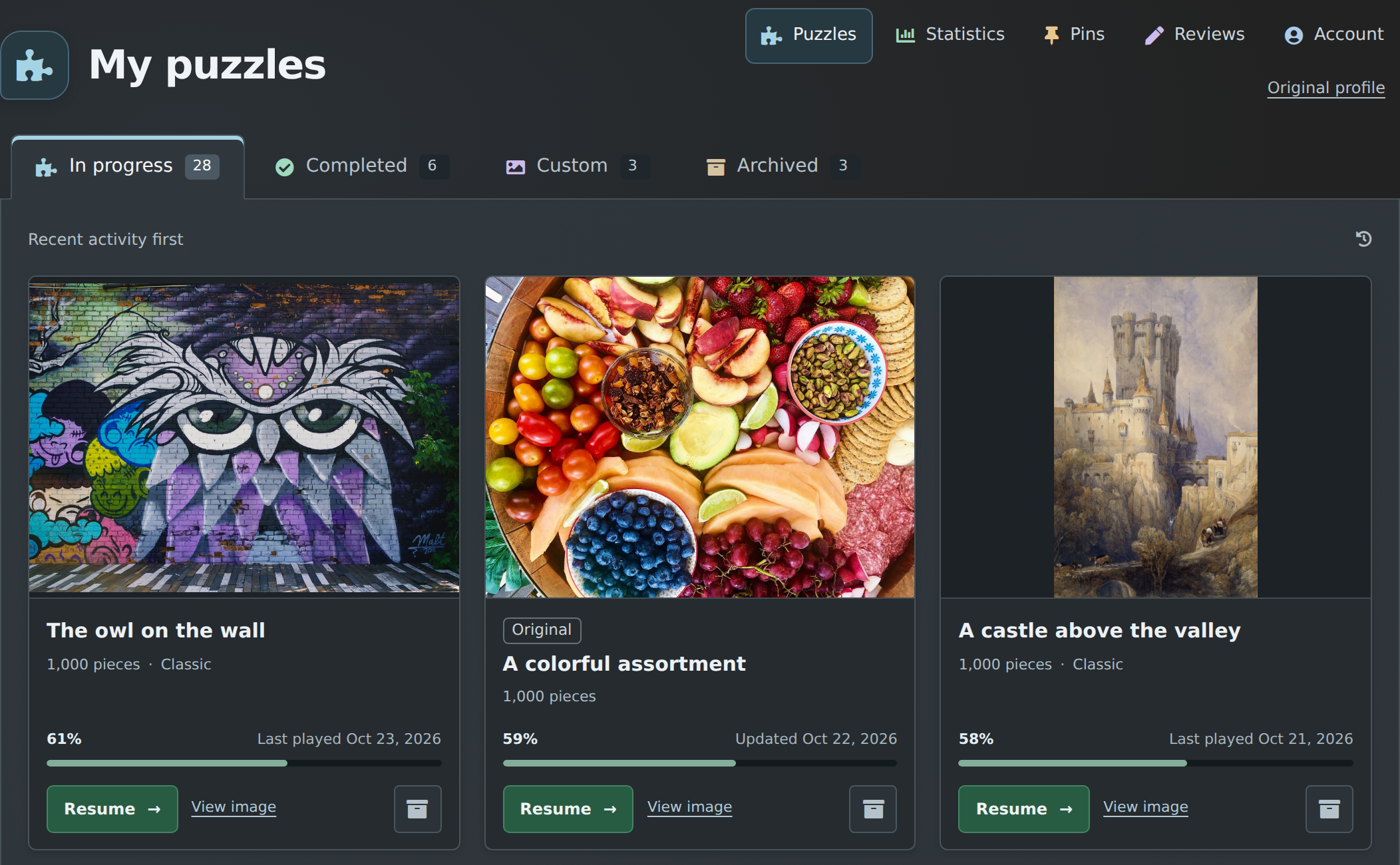
All your puzzles in one place
My Puzzles now brings together your puzzles from both versions of the game. The older puzzles still open in the older game; putting them in the same list hasn't converted them. But you can find them alongside your newer puzzles without having to remember which profile to visit. The old profile is also available through a link there, for the time being.
There are tabs for puzzles in progress, completed puzzles, custom puzzles, and archived puzzles. The account area has also had a cleanup, with places for your statistics, pins, and reviews.
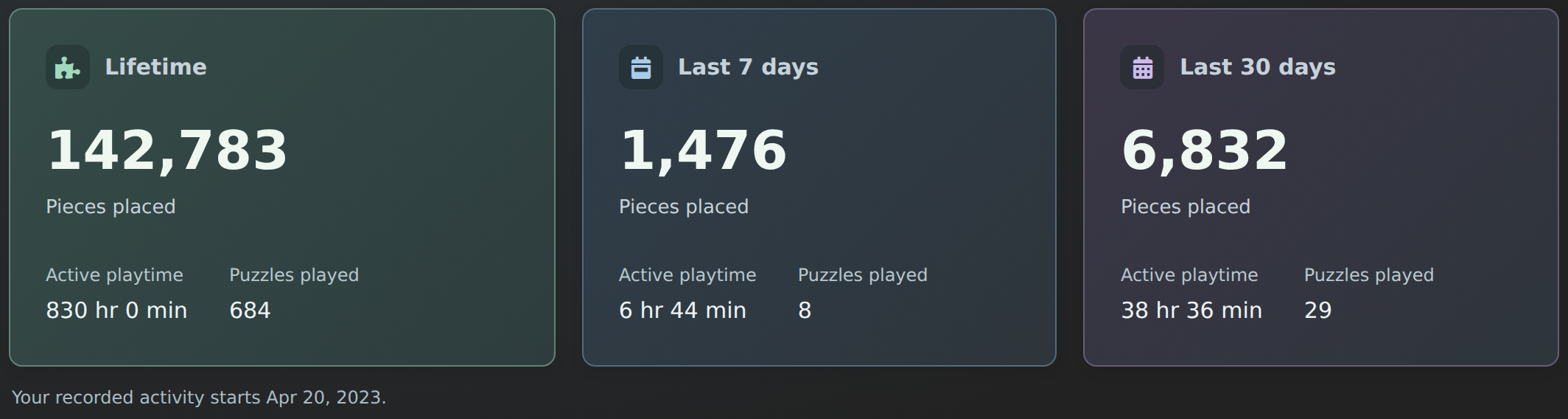
I was able to recover some lost statistics from the past, so we have data going back to roughly April 2023. I also had a bug where points from custom (use-your-own-image) puzzles weren't showing in your stats, even though they'd been counted correctly all along. So some of you might see a sudden jump in your stats because those points are finally showing up.
Archiving finally works correctly. It moves a puzzle from your current or completed area into the archive, where you can restore it later. In the past, it would archive it for the other players too, which was a bug the game has had since forever. Now it only changes your own list, for both older and newer puzzles. It doesn't automatically undo past archive actions.
More familiar chat
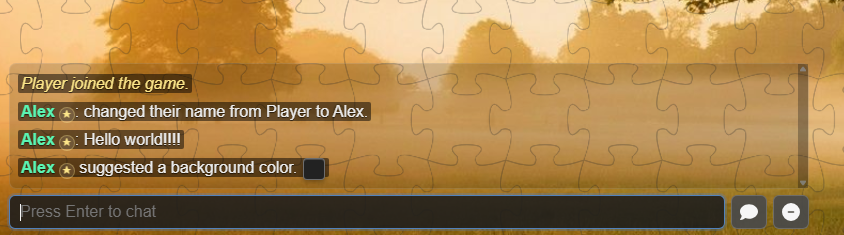
The chat has had another pass to bring back some of the feel of the older game. That includes the notification sound, which you can turn on or off in Settings → Sounds, along with changes to the text, background, and controls. The familiar controls are back: Enter sends a message and lets you go right back to the puzzle, and Escape leaves the typing box without losing your draft. You can also zoom and interact with the puzzle while chat is open.
Pan & zoom speed settings
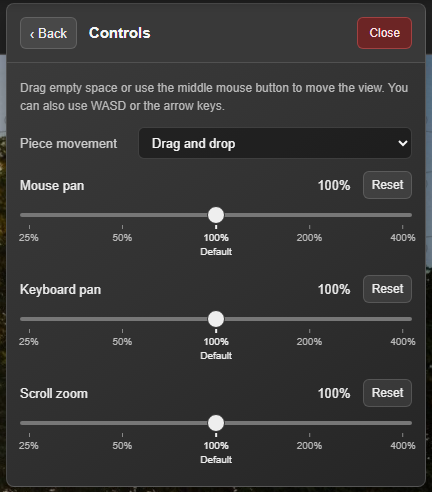
In Settings → Controls, you can adjust how quickly the camera moves with the mouse or keyboard, and how quickly the scroll wheel zooms. These are independently adjustable and remembered by the game.
Phones and tablets have also had a round of improvements, including how chat behaves with the keyboard open and how the board responds when you go from pinching with two fingers to moving with one. Dragging pieces near the edge of the screen hopefully no longer triggers Safari navigation. Please keep telling me about anything awkward on your particular device.
New languages
You can now use the new game and the main parts of the website in English, Spanish, French, Greek, German, Traditional Chinese, Japanese, and Turkish.
That includes the game menus, puzzle setup, catalog controls, and account pages. Pick a language from the website's language menu or from Settings inside the game.
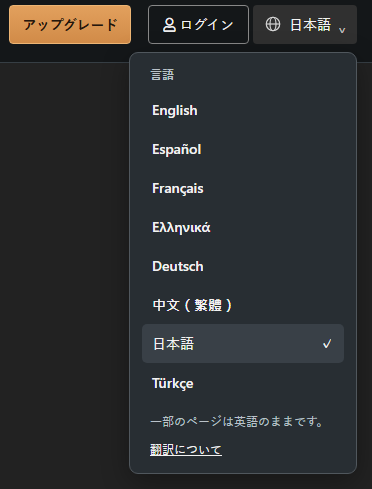
The individual image descriptions and most blog articles are still in English. Rather than trying to explain every exception here, there's now a page showing what's available in each language.
If anything is unclear, even in English, please send me a bug report or feedback.
A few smaller improvements
- More room around loose pieces. Shuffle and vacuum were overly tight before, and they've been made a bit more spacious.
- More ways to empty the frame. Try
/empty left,/empty right,/empty up, or/empty downto choose where the pieces go. There's also a command reference in Settings → Commands. The familiar directional commands from the original game are back. - Fixed a bug where it was possible to put a piece under the completed puzzle on rare occasions.
- Supporter crowns are back in chat, scores, the player list, and beside cursors.
- Tidier settings menus and clearer connection messages. The menus are more like the original, with the newer settings added.
There are also new options for dealing with disruptive players, including requiring a verified email and temporarily closing a puzzle to new arrivals. I'll write a whole article about moderation, trolls, and hackers soon.
Feedback from anywhere
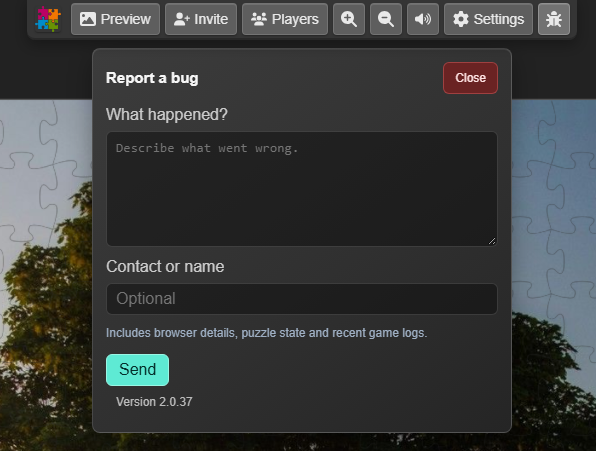
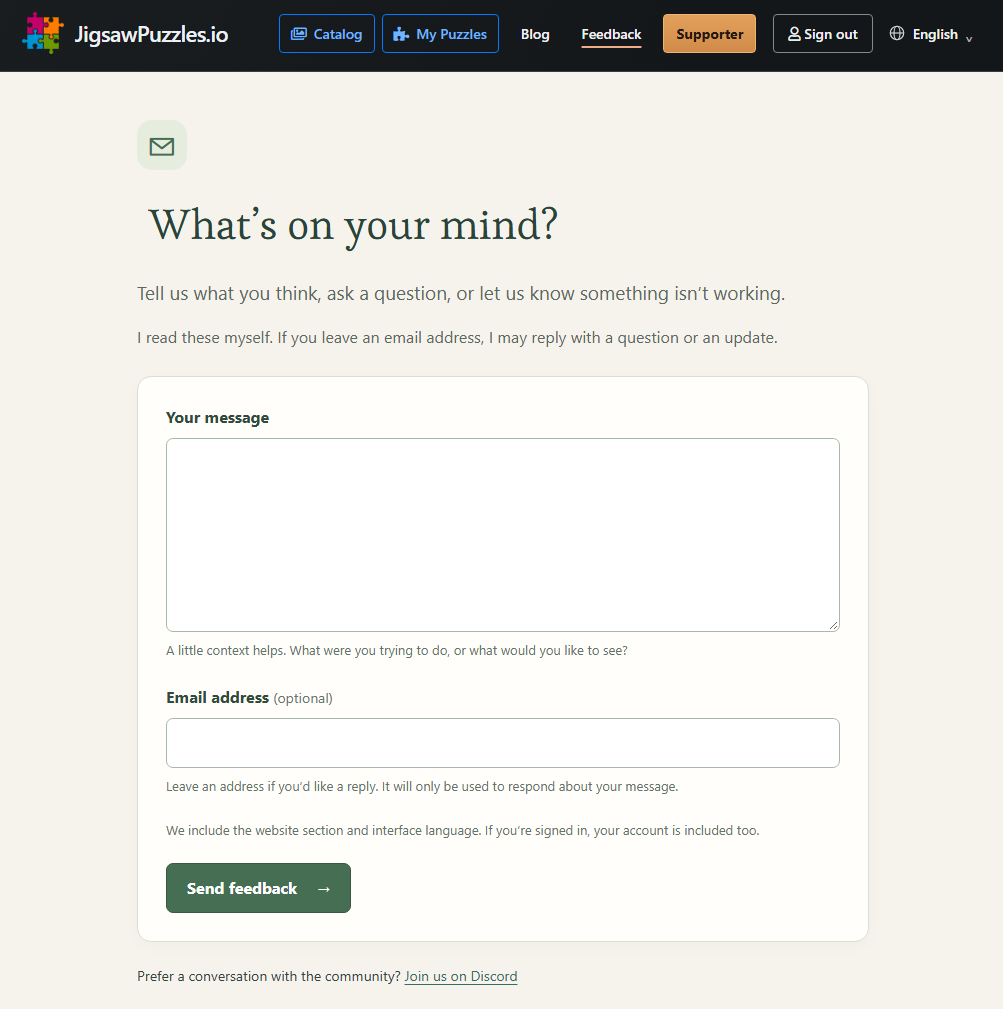
There's now a new Feedback button on the main menu of the website. There's also the 🐞 bug report button in the game. And of course the Discord server. So if anything is broken or you just want to comment, please feel free!
 In the game
The 🐞 button opens a report without leaving your puzzle.
View screenshot →
In the game
The 🐞 button opens a report without leaving your puzzle.
View screenshot →
 On the website
Find Feedback in the main menu. Comments and suggestions are welcome too.
View screenshot →
On the website
Find Feedback in the main menu. Comments and suggestions are welcome too.
View screenshot →
The feedback page and the in-game report form let you leave contact details out, or add them if you'd like me to be able to reply. So if I'm missing anything from the original game, let me know!! I've been fixing bugs, making improvements, and patching the game servers from two to ten times a day, so rest assured: if you find a problem, I'll be on it!