Catalog
The Great Re-tagging
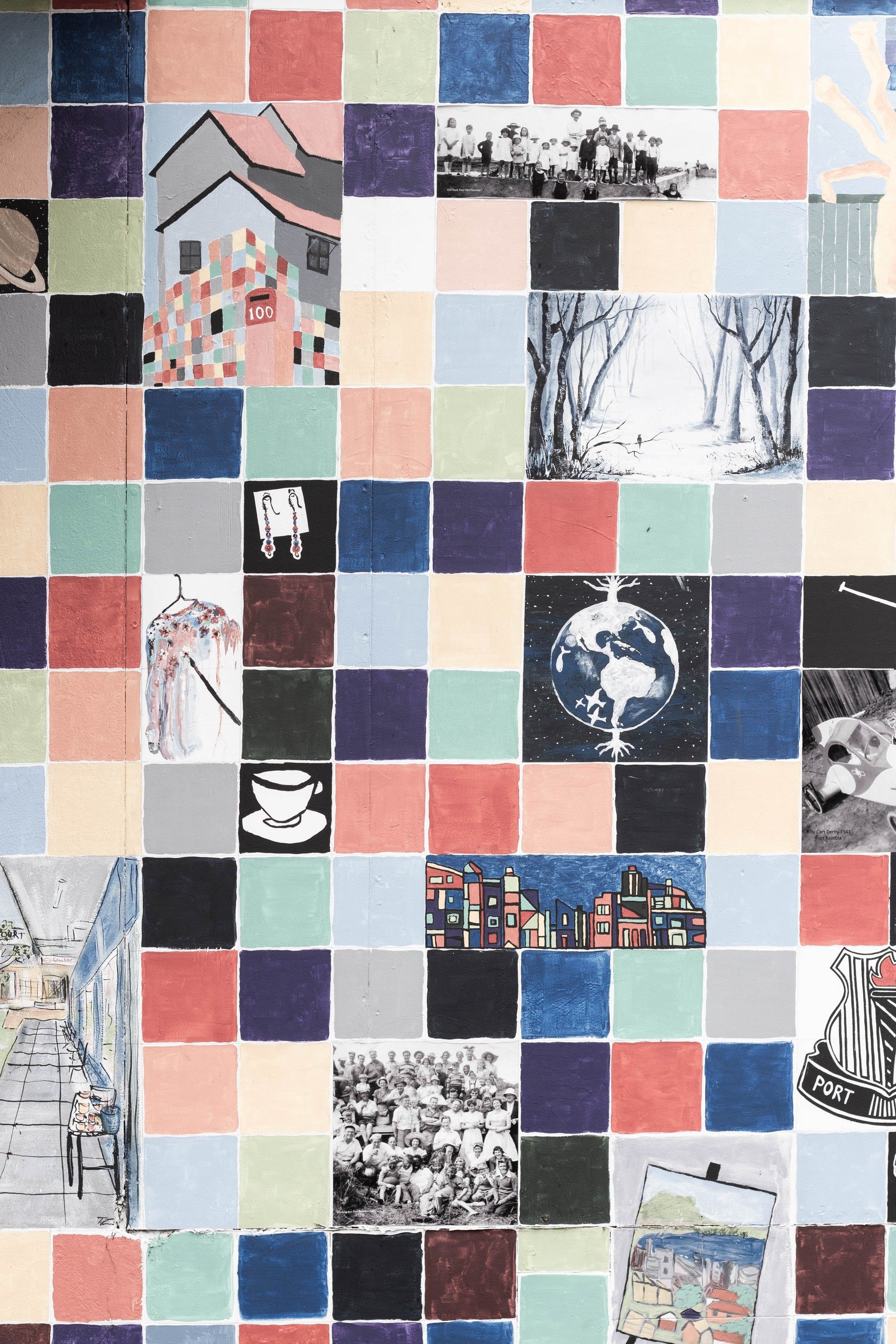
apparently everything feels like a collage to me
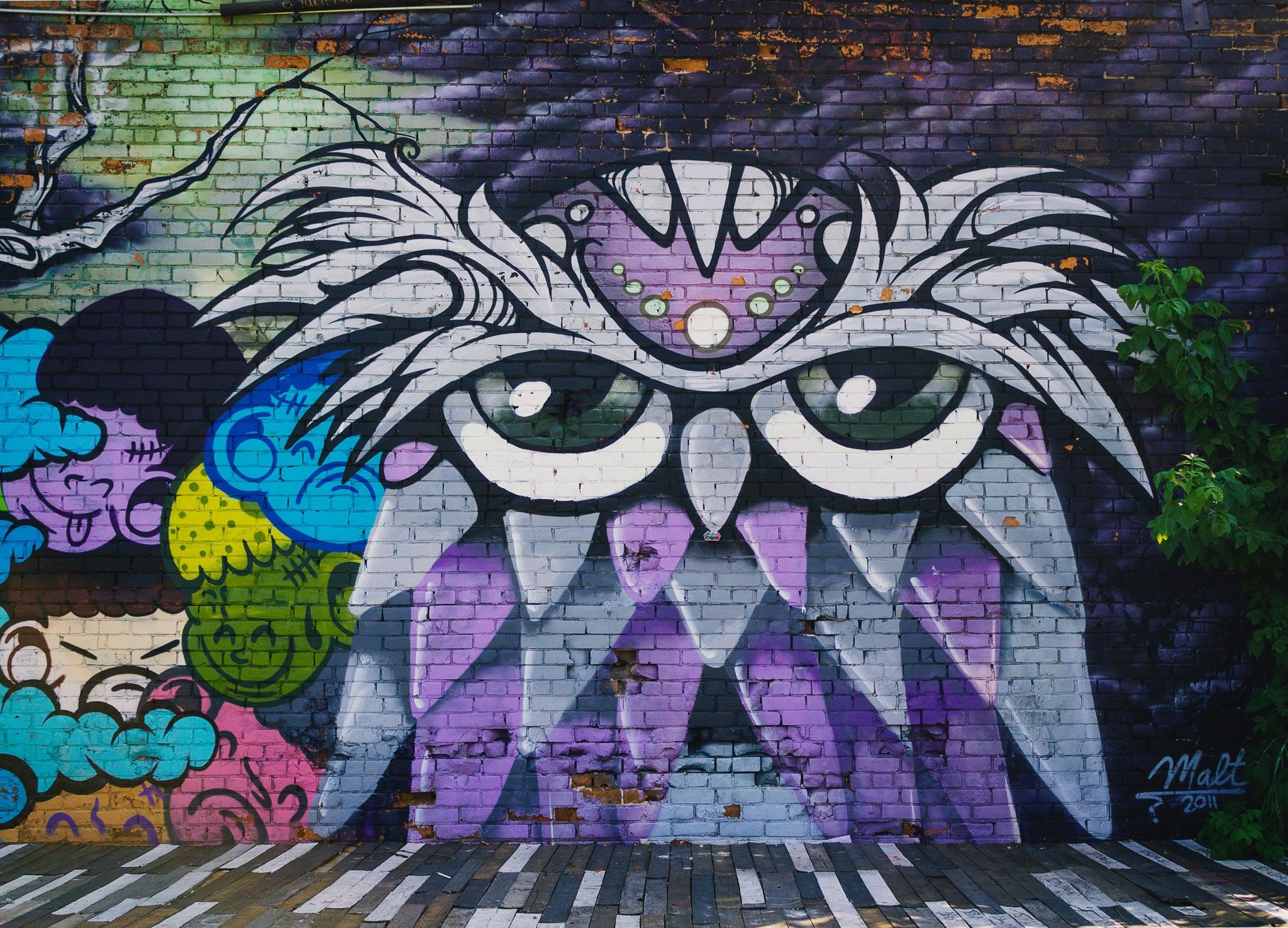
Believe it or not, the first "tags" in this game weren't for finding images or anything one might imagine. They were actually playlists. When we launched this game in 2018, the first and only mode was just a lobby that had a playlist like "Beaches" or "Transportation" or "London." If people joined it and finished the puzzle, it would just go to the next image.
The biggest tag eventually was just called "Chaos," and it contained all of the images that had edge-to-edge action, because we thought these were viable for the special 100-player mode. We called these the Chaos lobbies. That's right, we had a 100-player game mode! But there weren't 100 players back in the day, so it was mostly aspirational, and the servers were expensive, so we eventually reduced it to 40. When those lobbies filled up, they were very much chaotic.
To make a long story short, we added a lot of images. A few dear friends were involved from the early days, and together we went through museums and collections of public domain photography, looking for images and figuring out what belonged in the game. We added hundreds. Eventually we created a Discord channel for suggestions, and people there were incredibly helpful too. You contributed hundreds of images and sent us links to Unsplash collections you'd put together, some with 50 images and others with as many as 500. Thank you to everyone who took the time to find and share all of these!
And here we are, almost eight years later, with about 3,800 images.
For a long time the tagging was extremely minimal, with periodic efforts at adding new tags. And then I went overboard and just started writing descriptive tags, sometimes 30 for each image. It was a mess. Eventually I learned about semantic search algorithms that let you write a description of an image and search that instead! So now tags can go back to being a sane set of categories, and we still have a nifty search where you can type whatever you want for more detailed aspects.
So what really changed?
Well, how about some stats!
- Cut the tag list from 1,364 names to 670. Many of the remaining tags are still under evaluation: some will be consolidated or removed, and others may become part of the main set of categories.
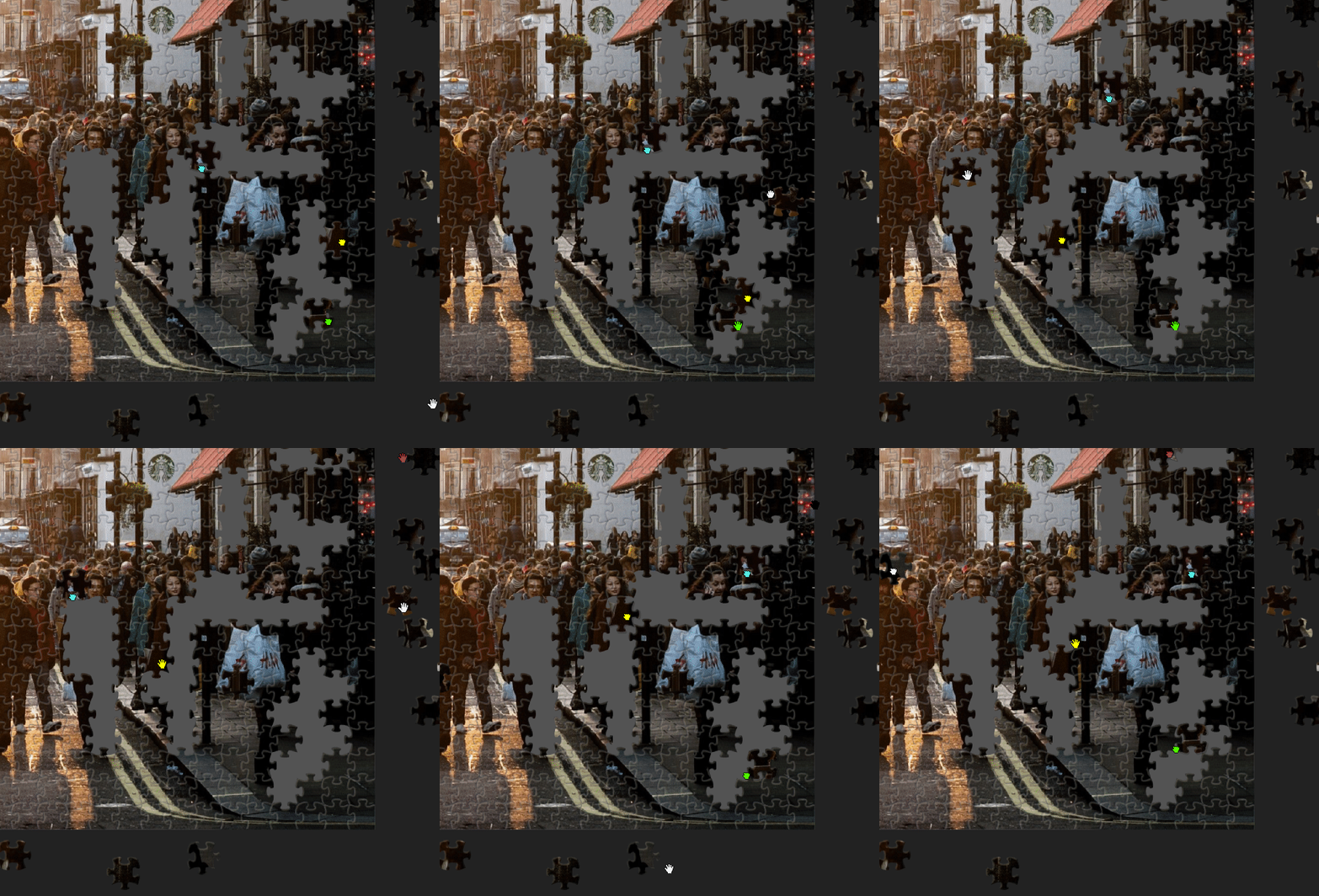
- Added over 5,000 tags across the images already in the catalog. A picture can gain several tags: the owl mural, for example, now appears under Animals, Birds and Colorful as well as Street Art.
- Removed about 2,000 redundant or unhelpful tags from images.
- Removed 43 duplicate images from the public catalog (whoops...). A special thanks to everyone who reported these.
- Settled on 74 main categories for new uploads, alongside source information such as museum collections. New uploads will use those categories until we decide to add more.
I think you'll find most of the categories pretty intuitive, but let me call out a few in particular.
Apparently everything feels like a collage
For a long time I tagged any dense assortment of objects as a "collage" because actually working on the puzzle felt no different than a collage. These have since been divided up into true artistic Collages and Assortments. A photograph of a spread of food or a collection of toys belongs in Assortments; artwork made from separate pictures or cutouts belongs in Collage. Some images can fit both.
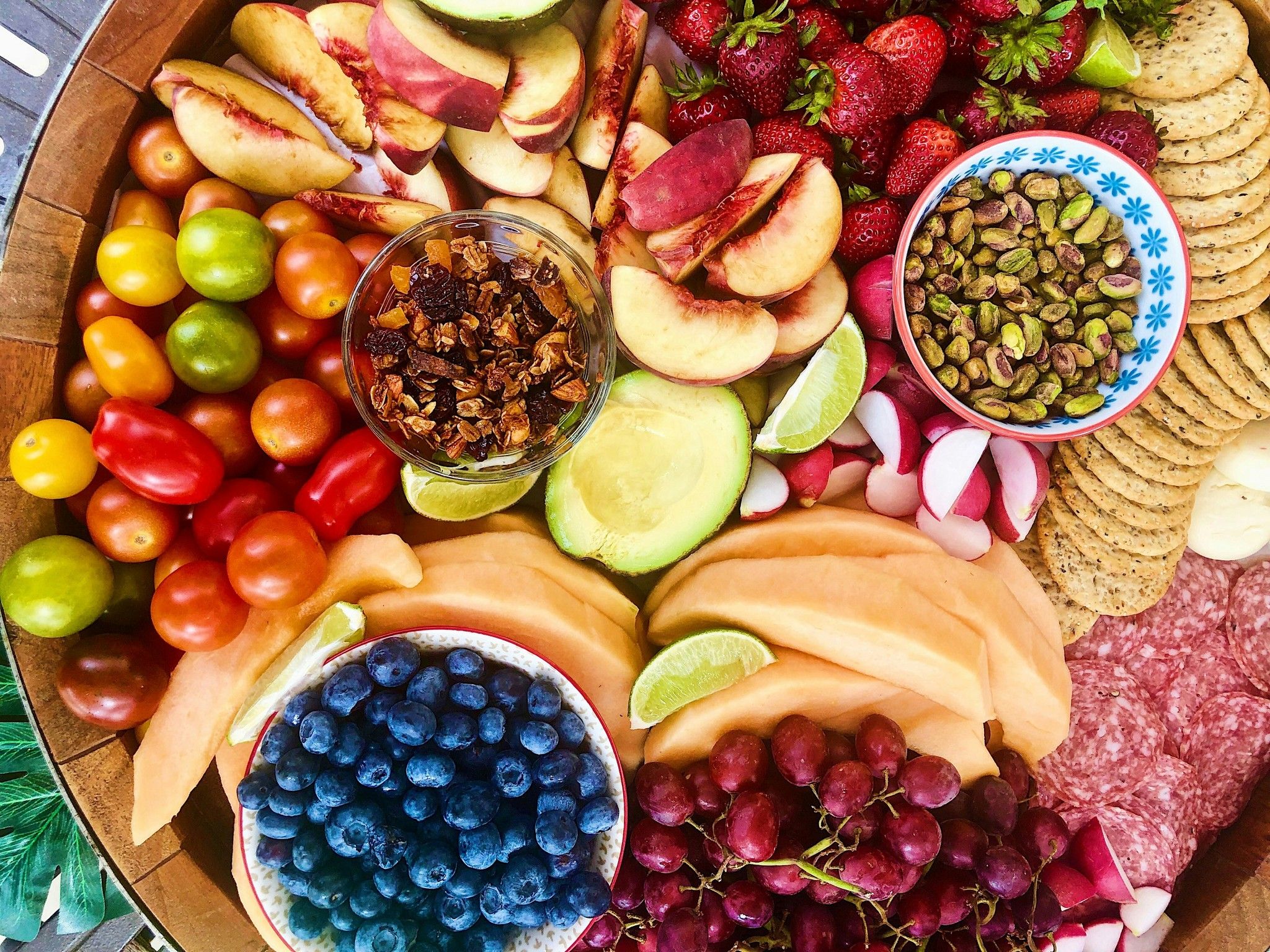 A colorful assortment
A whole spread of things to piece together.
Open in catalog →
A colorful assortment
A whole spread of things to piece together.
Open in catalog →
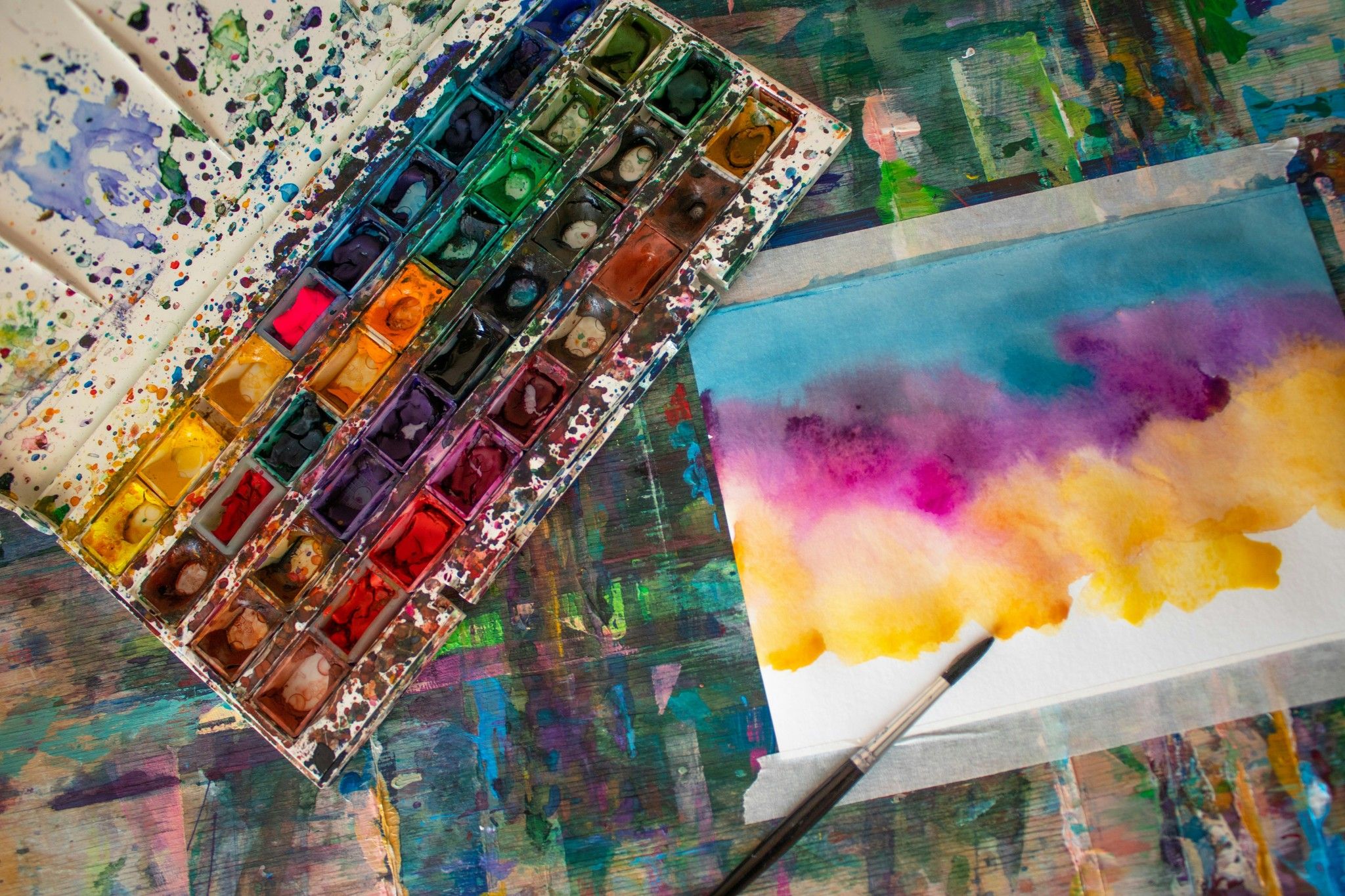 A little color on the table
Paint, paper, and a work in progress.
Open in catalog →
A little color on the table
Paint, paper, and a work in progress.
Open in catalog →
Browse the museum collections
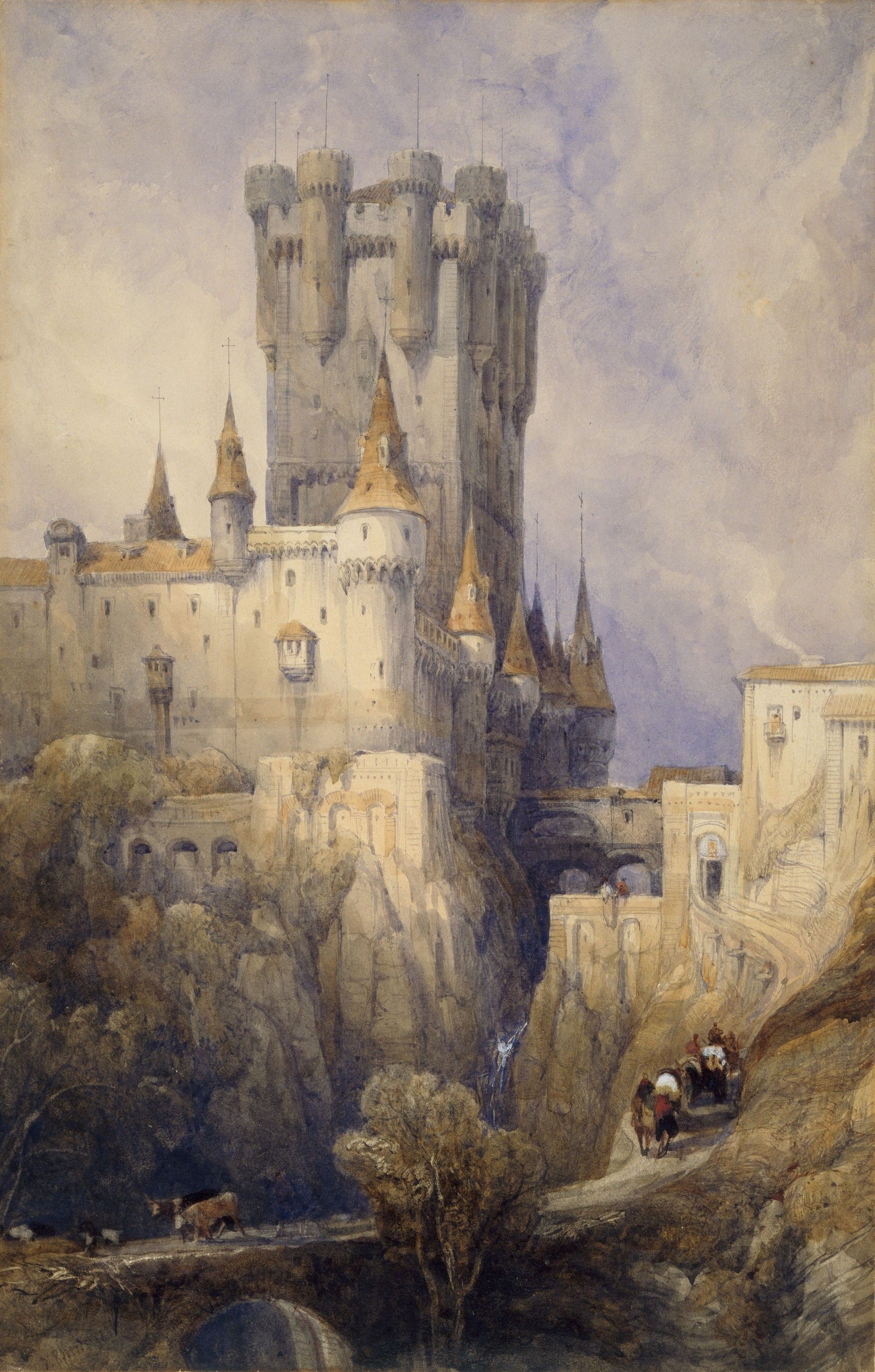
We've also filled in missing museum-source tags, so you can browse the available collection from each museum. Here are their image counts after the cleanup:
- The Metropolitan Museum of Art — 66 images
- Birmingham Museums Trust — 33 images
- National Gallery of Art — 12 images
- Cleveland Museum of Art — 8 images
- Museums Victoria — 1 image
Categories maturing
Some small categories turned out to have plenty of images already waiting for them. Here are the before-and-after counts from one big pass through the catalog:
| Category | Before | After |
|---|---|---|
| Cozy | 12 | 36 |
| Cute | 7 | 35 |
| Papercraft | 1 | 12 |
| Abstract | 50 | 163 |
| Illustration | 29 | 124 |
| Still Life | 64 | 147 |
The same pass also filled out some of the larger categories:
| Category | Images added to the category |
|---|---|
| Colorful | +337 |
| Patterns and Textures | +238 |
| Close-Up | +222 |
These pictures were already here. Now there are more ways to find them.
And while it's hardest to express in numbers, a ton of simply weird, misspelled, or conceptually redundant tags were removed.
My next goal related to the catalog is to mix the new natural language search in the Puzzle Explorer with the tag system, now that order has been restored. The goal is that searching will just make sense without there being these two parallel systems.